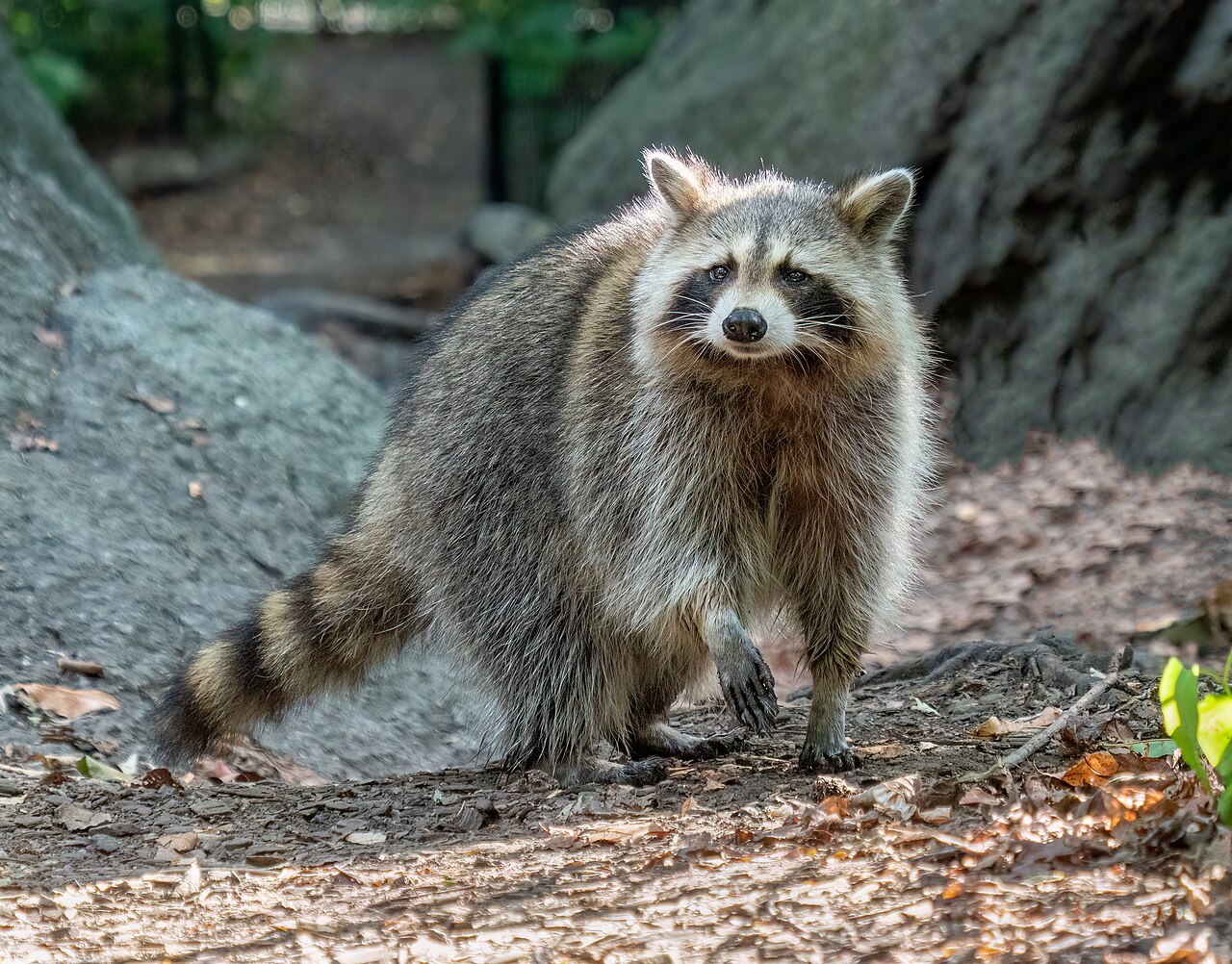
🐾 Animals
Three furry favorites, each with their own themed page.


📚 Books
Two bookcases of romance, romantasy, dark romance and thrillers.
The Library
173 books across two bookcases, listed shelf by shelf with author, series and genre.
Browse the shelves →🕹️ Arcade
Games built from scratch with HTML, CSS and JavaScript. No libraries.
🔧 Admin notes for the site owner
How this site is run. Every command needs an SSH connection to the server and sudo rights, so nothing here works from a browser.
🔑 Connect
Easiest: Google Cloud Console → Compute Engine → VM instances → SSH next to the VM.
From your PC (Windows cmd), using the key you set up:
ssh -i %USERPROFILE%\.ssh\gcp_vm USERNAME@YOUR-DOMAIN
Replace USERNAME and YOUR-DOMAIN with your own. SSH is only allowed from your home IP and Google's console range.
✎ Visitor notes
Notes left with the ✎ note tab on the home page are private. To read them:
sudo read-notes
Shows each note with its time (UTC) and the sender's IP.
📚 Approve book updates
Requests from ✎ Suggest an update on the Library page wait for approval. To review them:
sudo book-review
- a approve: the site updates and counts are recalculated
- r reject · s skip for later · q quit
Only list the queue, without changing anything:
sudo book-review --list
Rebuild the Reading Log and counts from saved data:
sudo book-review --rebuild
A backup of the pages is saved before every approval.
🩺 Health check
Confirm the web server and both form services are running (each should say active):
systemctl is-active nginx site-notes book-updates
Restart one if needed, for example:
sudo systemctl restart book-updates
📜 Logs
Last 50 website visits:
sudo tail -n 50 /var/log/nginx/access.log
SSH logins and failed attempts this week:
sudo journalctl -u ssh --since "7 days ago" --no-pager | grep -E 'Accepted|Failed|Invalid'
🔒 HTTPS certificate
Renews automatically. To confirm renewal will work:
sudo certbot renew --dry-run
It should end with "all simulated renewals succeeded".
💾 Backup
Pack the whole site into one file in your home folder, then download it with the SSH window's gear icon → Download file:
cd ~ && sudo tar -czf site-backup-$(date +%F).tar.gz -C /var/www html && sudo chown $USER: site-backup-*.tar.gz && realpath site-backup-*.tar.gz
Or pull it straight to your PC with scp. Run this in cmd on your PC, not in the SSH window:
scp -i %USERPROFILE%\.ssh\gcp_vm USERNAME@YOUR-DOMAIN:~/site-backup-*.tar.gz %USERPROFILE%\Downloads\
In PowerShell instead of cmd:
scp -i $env:USERPROFILE\.ssh\gcp_vm USERNAME@YOUR-DOMAIN:~/site-backup-*.tar.gz $env:USERPROFILE\Downloads\
Once it's in Downloads, delete the copy on the server (in the SSH window):
rm -i ~/site-backup-*.tar.gz
- Replace USERNAME and YOUR-DOMAIN with your own.
- Only works from your home IP, because the SSH firewall rule blocks other addresses.
- Windows 11 opens .tar.gz files in File Explorer. On Windows 10, run tar -xzf followed by the file name in cmd.
💤 Save money
Stopping the VM takes the site offline but keeps all files and the static IP. In the Console: VM instances → ⋮ → Stop, and later Start / Resume.
The site and both services start on their own after boot.